

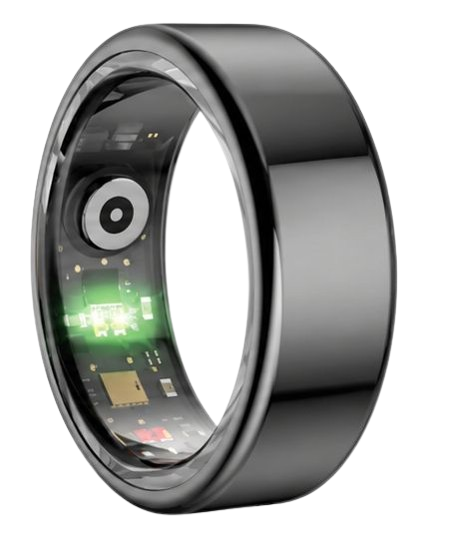
Establishing secure smart ring health sharing protocols for your family allows you to monitor vital signs remotely, ensure the safety of aging relatives, and optimize wellness routines seamlessly. The premium Herz P1 Smart Ring enables continuous physiological tracking with zero monthly subscription fees, ensuring that critical data like heart rate variability, sleep stages, and blood oxygen levels remain accessible and secure within your household dashboard.
Built to Last. Save Up to 69% Today.
The Herz P1 Smart Ring tracks HRV, Sleep, Heart Rate & SpO2 around the clock. No subscriptions. No renewals. Ever.
In This Article
- Step-by-Step Setup: A complete tutorial to connect, configure, and share family biometric data securely.
- The Physiology of Biomarkers: Understanding how deep sleep, HRV, and SpO2 trends protect your family’s daily health.
- Data Privacy & Security: Managing cloud database permissions, encryption, and medical-grade data integrity.
- Troubleshooting Pitfalls: Overcoming physical tracking errors and optimizing the lifelong value of your smart ring.
How to Set Up Smart Ring Health Sharing: A Step-by-Step Family Guide

Prerequisites and System Requirements
To establish a shared dashboard, every participating family member must possess an active user account.
Each user requires a compatible smartphone running at least iOS 14 or Android 10 with active Bluetooth enabled.
Your tracking devices must be charged to at least fifty percent capacity before beginning the wireless pairing sequence.
Step-by-Step Instructions
-
Step 1: Install and Initialize the Companion App
Download the official tracking software to begin setting up your family dashboard.
Navigate directly to the Apple App Store or Google Play Store to install the dedicated track family health app on each individual smartphone.
Launch the application and follow the on-screen prompts to register a secure, unique profile using a valid email address.
Confirm your account creation through the verification link sent to your inbox to unlock all local dashboard capabilities.
-
Step 2: Initialize Bluetooth Pairing for Your Smart Ring
Place your smart ring on its dedicated charging cradle to activate its wireless transmitter.
Open the Bluetooth settings menu on your smartphone and search for available nearby devices.
Select your ring model from the pairing list to establish a secure, low-energy wireless connection.
The companion app will prompt you to name your device, confirming that the wearable sharing feature is ready for activation.
-
Step 3: Configure Privacy Boundaries and Sharing Consents
Before inviting others, you must establish exact boundaries regarding which biometrics you wish to share.
Access the settings menu inside the app and review the smart ring privacy policy to understand how your data is processed.
Select individual checkmarks to toggle specific data streams, such as sleep scores, heart rate alerts, or daily steps, on or off.
If you prefer to keep certain indicators private, you can configure a data sharing opt out parameter for those specific metrics.
-
Step 4: Create a Family Circle and Send Invitations
Open the community tab within the user interface to invite family members to join your network.
Select the option to create a private group designed specifically for family sharing health rings.
Enter the registered email address of your family member or partner to send an encrypted connection invitation.
Once they accept your invitation from their app, your biometric trends will begin syncing to a mutual viewing screen.
-
Step 5: Share Real-Time Biometric Logs with Your Medical Provider
The companion app allows you to compile your continuous data streams into clear, exportable reports.
Navigate to the reports section of the application and select the specific duration you wish to review.
Tap the export icon to generate a secure PDF document containing your long-term heart rate and oxygen saturation history.
You can securely email this file or upload it directly to your doctor’s electronic health record portal for evaluation.
Enhancing Family Wellness with the Herz P1
The Herz P1 Smart Ring streamlines this entire configuration process by utilizing a intuitive, zero-cost sharing portal.
Our dedicated system integrates smoothly with the official app, allowing couples smart rings to pair together on a unified screen with zero subscription fees.
Explore the subscription-free Herz P1 Smart Ring to establish a permanent, secure health connection across your entire household today.
The Physiology of Remote Biomarker Tracking in Family Settings
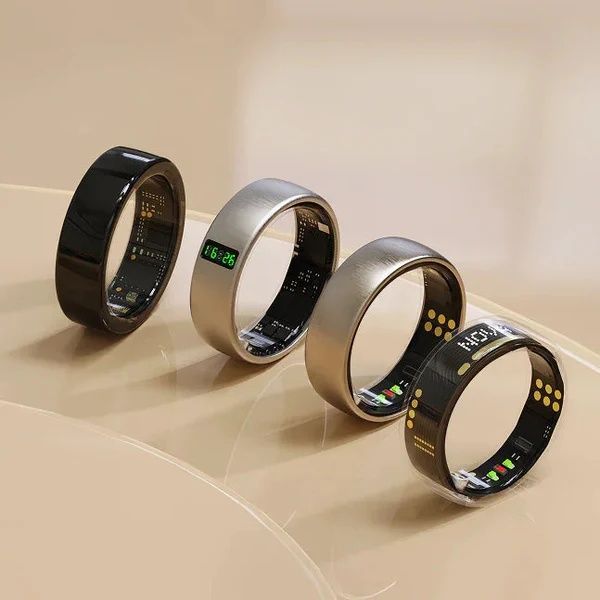
Using a smart ring for family health tracking relies on precise, continuous monitoring of key cardiovascular and respiratory indicators.
The National Sleep Foundation states that monitoring night sleep architecture, including deep and REM stages, reveals early signs of fatigue.
Similarly, the American Heart Association emphasizes that tracking heart rate variability (HRV) helps evaluate autonomic nervous system balance.
By measuring photoplethysmography (PPG) signals directly from the rich capillary networks of the finger, smart rings provide highly reliable biometrics.
This allows families to detect subtle changes in basal body temperature or oxygen levels before physical symptoms show up.
The Herz P1 Smart Ring operates within an incredibly small standard margin of error to deliver medical-grade precision across all shared logs.
This means family members can spot trends like dropping blood oxygen saturation (SpO2) levels or sudden heart rate spikes in real time.
These early indicators are especially useful for monitoring elderly relatives who may not notice gradual physiological changes themselves.
By tracking these metrics continuously, families can make informed decisions to protect their loved ones’ health.
Securing Sensitive Medical Data: Encryption and Smart Ring Privacy Protocols
Sharing biometric details with family members requires strict security and data encryption protocols.
Advanced wearable systems use end-to-end encryption to protect sensitive data sent from the ring to the phone’s storage.
Cloud databases that manage shared family groups must meet HIPAA standards to protect personal medical logs from unauthorized access.
The Herz P1 Smart Ring uses AES-256 military-grade encryption to secure all biometric logs synced to the cloud.
This ensures that only approved family members can access your daily health dashboard, keeping your data private.
Users can adjust their sharing permissions at any time, instantly revoking access to specific metrics or deleting history logs.
This secure setup gives families peace of mind, knowing their sensitive biometric details are fully protected against digital threats.
Translating Biometric Trends into Everyday Wellness Decisions
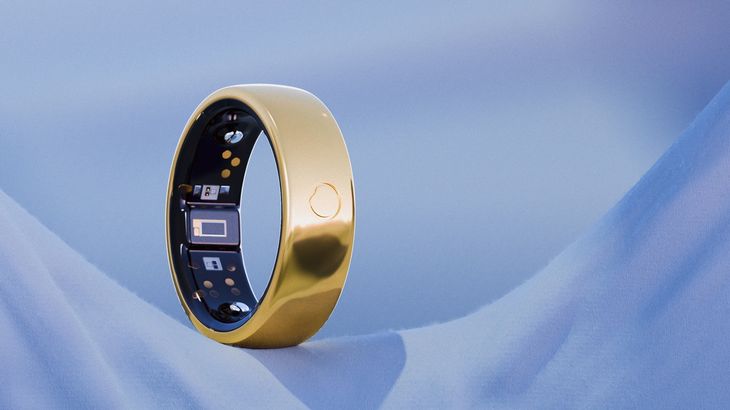
The real value of family health sharing comes from turning raw data into actionable lifestyle adjustments.
For example, if the app shows a family member’s deep sleep is dropping, you can encourage them to improve their sleep hygiene.
When tracking daily activity metrics, families can set up friendly fitness goals to encourage regular movement.
The Herz P1 App displays these trends on an easy-to-read dashboard, showing how everyday choices impact recovery.
Because the Herz P1 is lightweight and comfortable to wear, it collects continuous, accurate data without disrupting sleep or workouts.
By reviewing these shared trends, families can work together to build healthy, supportive wellness routines.
Avoiding Common Pitfalls in Smart Ring Usage and Shared Dashboards
A common mistake is wearing a bulky smartwatch to bed, which often disrupts sleep patterns and leads to incomplete night tracking.
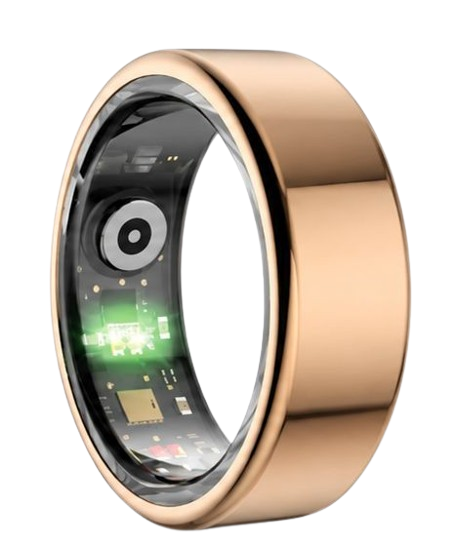
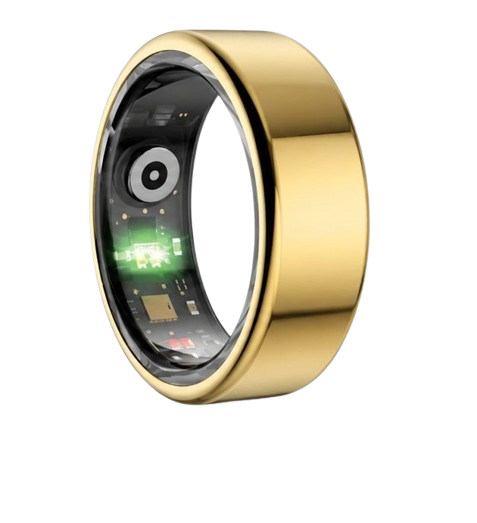
The Herz P1 Smart Ring solves this issue with its slim, military-grade steel chassis, designed for comfortable 24/7 wear.
Another major pitfall is purchasing tracking devices that require expensive, ongoing monthly subscription fees.
The Herz P1 App is free for life, giving you full access to all sharing features without any subscription costs.
Additionally, wearing an improperly sized ring can cause sensor movement, leading to inaccurate readings.
Using the free Herz P1 sizing kit ensures a perfect, snug fit, keeping your family’s health data accurate and reliable.
Feature Comparison: How Smart Rings Stack Up
This breakdown compares the main features of top smart rings to help you find the best option for your family.
| Feature Metric | Herz P1 Smart Ring | Standard Smart Rings | Smartwatch Alternatives |
|---|---|---|---|
| Monthly Subscription Fee | $0 (Free App Forever) | $5.99 to $10.00/month | Varies by brand |
| Battery Lifespan | Up to 6 Days | 4 to 7 Days | 1 to 2 Days |
| Material & Durability | Military-Grade Steel | Titanium Alloy | Aluminium / Glass |
| Waterproof Rating | IP68 (Up to 164 Feet) | IP68 / 5ATM | 5ATM / Splashproof |
| Warranty Coverage | 2-Year Full Warranty | 1-Year Standard | 1-Year Standard |
Frequently Asked Questions
Yes, the Herz P1 features a certified IP68 waterproof rating that allows for continuous submersion up to 164 feet.
This means family members can safely wear the ring while washing hands, showering, swimming, or doing water activities.
The internal battery of the Herz P1 lasts up to 6 full days under normal 24/7 tracking conditions.
The device charges quickly, reaching a full charge in under 1 hour when using the included magnetic charging dock.
For the best sensor accuracy, we recommend wearing the ring on your index, middle, or ring finger.
Make sure the sensor bumps are positioned on the palm side of your finger to maintain steady contact with your skin.
Yes, the Herz P1 has built-in offline storage that holds up to 7 days of local biometric data.
The ring will automatically sync and upload this stored data to your app once it reconnects to your phone’s Bluetooth.
90-Day 100% Money-Back Guarantee
“The Herz Smart Ring helps me manage stress easily. It’s accurate, stylish, and lightweight—perfect for my busy life!”
— Jennifer P. | ✔ Verified Customer
- ✓ 6-Day Battery Life
- ✓ Detailed Sleep Analysis
- ✓ Fast 1-Hour Charging
- ✓ iOS & Android Ready
Questions? Call: 1-866-479-1629
Conclusion
Setting up secure health sharing helps keep your family connected and proactive about their wellness.
The premium, subscription-free Herz P1 Smart Ring makes tracking vital metrics simple, reliable, and secure.
Ready to monitor your health every day? Explore the Herz P1 Smart Ring and see if it fits your lifestyle. Call: 1-866-479-1629 — our team can help you advise on the correct ring size and set personalized health goals.
