

Maximizing your daily health insights means making critical biometric data easily visible at a single glance, which is why configuring your apple watch complications with real-time biological telemetry is a massive productivity game-changer. By syncing your sophisticated medical-grade tracking ring with your wrist display, you unlock continuous updates on heart rate variability, SpO2 levels, and restorative sleep quality. In this ultimate setup guide, Team Herz P1 will teach you how to streamline your digital dashboard, troubleshoot synchronization errors, and build a cohesive ecosystem using the premium, subscription-free Herz P1 Smart Ring.
Built to Last. Save Up to 69% Today.
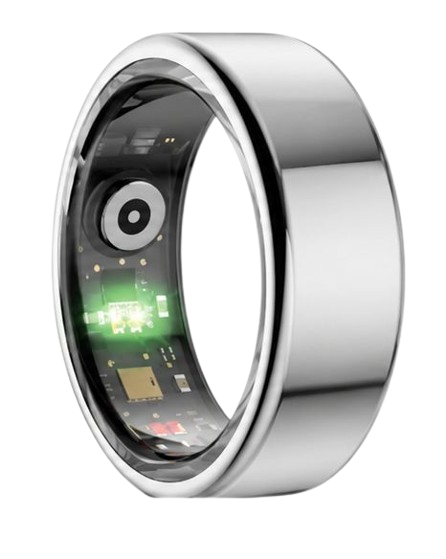
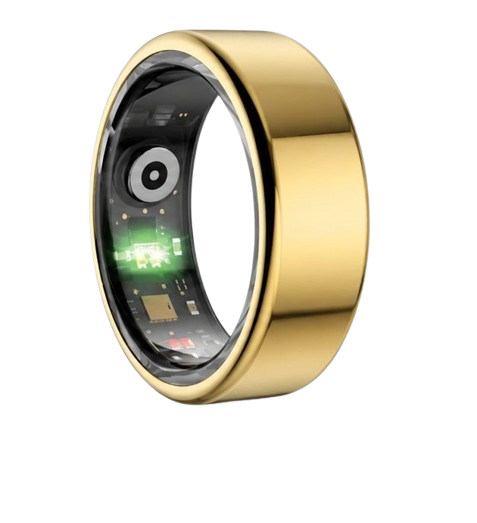
The Herz P1 Smart Ring tracks HRV, Sleep, Heart Rate & SpO2 around the clock. No subscriptions. No renewals. Ever.
In This Article
- Step-by-Step Configuration: Learn how to properly add, organize, and manage your health metrics directly on your wearable watch complications.
- Biometric Synchronization: Discover how optical photoplethysmography and sleep architecture analysis flow seamlessly from ring to wrist.
- Advanced Customization Tips: How to build the ultimate smart ring apple watch face layout using the native Apple Health framework.
- Troubleshooting Sync Issues: Actionable strategies to prevent data lag, connection loss, and display update errors.
- Financial Efficiency: Why moving to a zero-fee ecosystem with the Herz P1 is the smartest way to bypass ongoing monthly app subscriptions.
How to Set Up Smart Ring Apple Watch Complications: A Step-by-Step Guide
Prerequisites / What You’ll Need
Before beginning the installation process, ensure your hardware and software systems are fully updated.
You will need an active Apple Watch running watchOS 9 or newer.
You will also need an iOS device paired with your watch and the free apple watch companion app installed on your phone.
Finally, ensure your smart ring is fully charged to avoid bluetooth pairing interruptions during the primary sync cycle.
-
Step 1: Connect Your Smart Ring to Apple Health
Begin by launching the native application for your smart ring on your premium iOS device.
Navigate to the primary settings panel and select the synchronization submenu.
Locate the Apple Health integration switch and toggle it to the active position.
Carefully approve all permission categories including heart rate, sleep trends, active energy, and blood oxygen levels.
This complete authorization ensures your highly accurate ring telemetry streams directly into your device’s core database.
-
Step 2: Install the Companion App on Your Apple Watch
Open the Watch app on your paired iPhone to manage your wrist layout.
Scroll down through the comprehensive installed application catalog until you find your smart ring listing.
Tap the Install button to download the micro-application directly onto your watchOS system.
Wait for the progress wheel to complete the wireless installation phase.
Check your watch grid to confirm the new software icon is fully visible and accessible.
-
Step 3: Access the Face Customization Panel
Raise your wrist and wake the physical display of your Apple Watch.
Press and hold the screen surface firmly to trigger the watch face gallery layout editor.
Select the specific watch face you wish to customize by swiping left or right.
Tap the Edit button positioned at the bottom of the display window.
Swipe horizontally once more to access the interactive complication editing zones.
-
Step 4: Place the Wearable Watch Complications
Tap on the specific visual sector where you wish to display your active health statistics.
Scroll through the categorized list of authorized application widgets.
Select your smart ring brand icon to reveal all available real-time biometric metrics.
Choose your preferred live metric such as your current HRV stress index or sleep score.
Press the physical Digital Crown twice to lock in your custom layout and exit edit mode.
-
Step 5: Troubleshoot Watch Face Sync Errors
If your watch complication displays an empty circle, check your system data sharing permissions.
Navigate directly to your iPhone settings menu, select General, and open the Background App Refresh tab.
Ensure the background permission toggle is set to active for both Apple Health and your ring app.
Open the primary ring app on your phone to force a manual bluetooth data sync.
This quick action refreshes your watch face complications immediately and resolves any localized network lag.
Enhancing Your Setup with the Herz P1 Smart Ring
While configuring these layouts provides immediate access to your stats, the accuracy of your wrist display depends entirely on the fidelity of the raw input data.
The premium Herz P1 smart ring elevates this tracking experience with ultra-precise optical sensors that monitor your body every five minutes.
By feeding pristine biometric information directly into your apple watch complications, we ensure you always view real time sleep and hrv metrics on your wrist with clinical-grade accuracy.
Optimizing the Smart Ring Apple Watch Face: The Science of Wrist and Finger Biometrics
The skin layer covering your wrist is relatively dense and packed with muscle tissues.
These structural barriers can reduce the accuracy of optical light sensors trying to read blood volume changes.
Smartwatches must emit highly intense light pulses to penetrate these deep anatomical layers.
This high power demand drains your smartwatch battery rapidly and requires frequent daily recharging.
Conversely, the base of your finger is highly vascularized with shallow digital arteries.
This close anatomical proximity allows low-energy optical sensors to capture exceptionally clean wave patterns.
The medical field utilizes finger-mounted pulse oximeters for this exact biological reason.
By tracking blood flow at the finger, the Herz P1 registers minuscule changes in heart rate variability.
When comparing a smart ring versus smart watch, the ring captures clean, unpolluted biological data.
This high-fidelity tracking provides your smart ring apple watch face with a far more reliable feed.
The American Heart Association notes that precise cardiovascular monitoring requires continuous, uninterrupted sampling.
Our smart ring reads your pulse wave pattern every five minutes to build a highly accurate daily trend.
This raw accuracy is vital when you customize watch faces with biometric data for stress or athletic recovery.
Once the ring records this clinical-grade data, it instantly routes it to your wrist complications.
Your watch display changes from a simple notification center into a real-time clinical monitoring dashboard.
This biometric synergy ensures you always view highly reliable, actionable metrics at a single glance.
Sleep Architecture Analysis: Decoding REM and Deep Sleep via Your Wrist Dashboard
Restorative sleep is divided into distinct, crucial phases known as sleep architecture.
The National Sleep Foundation states that adults must spend substantial time in deep and REM sleep to recover mentally.
Deep sleep facilitates tissue repair, muscle growth, and immune system rejuvenation.
REM sleep is vital for cognitive consolidation, emotional regulation, and memory processing.
Standard wrist trackers often fail to map these phases accurately due to night-time movement noise.
A heavy watch frequently shifts on your arm when you change positions in bed.
This constant displacement breaks the sensor connection and produces highly fragmented sleep records.
The ultra-lightweight Herz P1 smart ring weighs only three and a half grams to prevent sleep disruption.
It maintains consistent, close skin contact without placing uncomfortable pressure on your hand.
This stability allows our multi-spectral sensors to track blood oxygen and heart rate with an eighty-two percent agreement rate compared to clinical polysomnography.
Your customized apple watch complications project these sleep scores onto your morning home screen.
This immediate visibility helps you determine your physical readiness the moment you wake up.
You no longer have to fumble for your smartphone in the dark to check your recovery status.
This seamless integration helps you make immediate, data-backed decisions about your upcoming day.
It is the most efficient way to leverage advanced sleep tracking for high-performance living.
Designing the Ultimate Smart Ring Apple Watch Face Layout
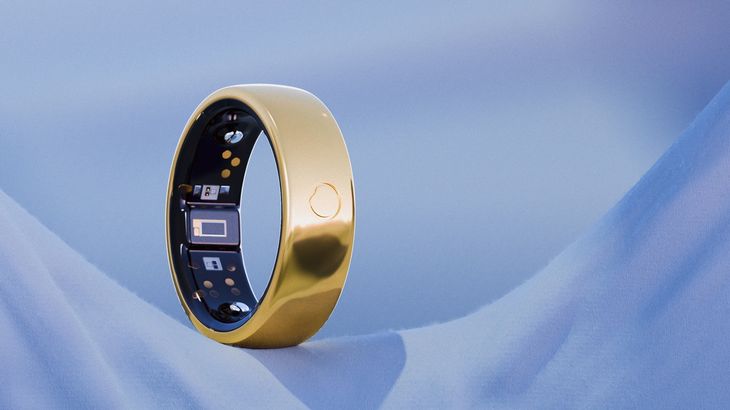
A well-designed watch face must balance visual hierarchy with immediate metric readability.
We recommend selecting modular or high-density infograph watch faces for your personalized dashboard.
These specific designs offer multiple high-resolution slots for advanced wearable watch complications.
Place your most dynamic, time-sensitive metrics like active HRV in the large central display area.
Assign more static metrics, like battery life or sleep duration, to the smaller corner slots.
This deliberate positioning allows you to manage apple watch app integrations efficiently without causing visual clutter.
If your primary focus is fitness performance, set up an apple fitness ring layout on your watch.
This configuration keeps your active caloric burn and step targets visible as you move through your workday.
For users comparing a health ring or watch setup, combining both systems yields the absolute best results.
The watch handles high-intensity real-time physical updates, cellular notifications, and active GPS workout tracking.
Meanwhile, the ring sits quietly on your hand to capture deep physiological baselines around the clock.
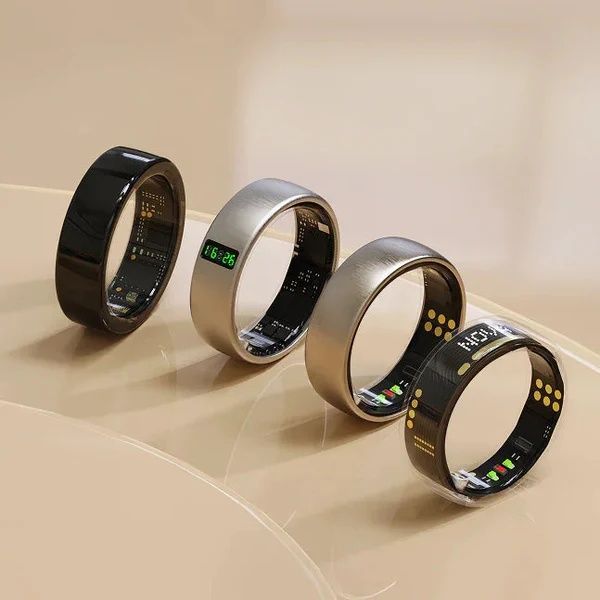
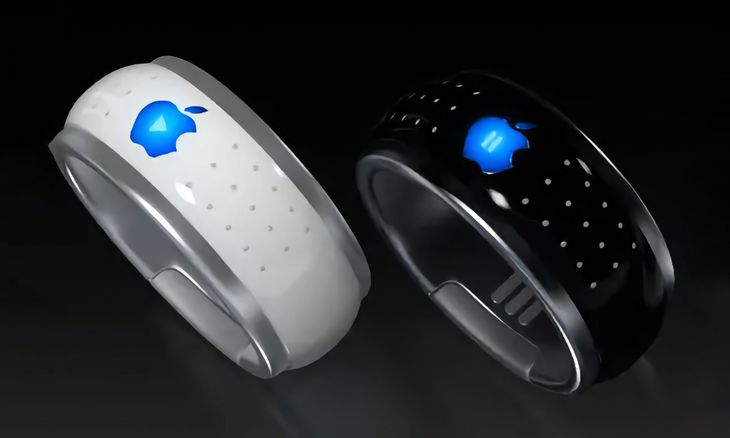
Some consumer electronics manufacturers attempt to design a smart ring with screen features to bypass watches completely.
However, rendering detailed health graphs on a tiny ring display is highly impractical and ruins battery life.
Combining a low-profile tracking ring with a highly customizable smartwatch face is the most elegant solution.
This dual-device system gives you comprehensive health metrics without compromising on comfort or aesthetics.
Practical Application Guide: Converting Raw Data Into Daily Vitality
Biometric metrics are only useful if they actively guide your daily physical decisions.
The Herz P1 app simplifies this process by calculating a single daily readiness score based on your body’s signals.
If your morning HRV is lower than your personal average, your nervous system is in a state of exhaustion.
You should immediately modify your schedule by reducing workout intensity and increasing recovery time.
A high HRV reading indicates robust cardiovascular readiness and high psychological resilience.
You can use this physical indicator to tackle intense training sessions or highly demanding workplace projects.
Our military-grade steel construction is built to withstand high-impact gym workouts and daily physical stress.
You do not need to take the ring off when washing hands, cooking, or lifting heavy weights.
This durability ensures your biological dataset remains continuous, solid, and unbroken over months of use.
By viewing these consistent trends, you learn exactly how your body responds to alcohol, stress, and caffeine.
You can make immediate changes to your evening routine to protect your overnight deep sleep cycles.
This continuous feedback loop is the ultimate key to achieving sustained physical and cognitive energy.
Overcoming Smart Watch Pain Points: Sleep Bulkiness and Hidden Subscriptions
Many wellness enthusiasts buy heavy smartwatches primarily to monitor their sleep stages.
However, wearing a thick, glowing device to bed often disrupts your natural sleep patterns.
The physical weight on your wrist and the accidental screen flashes can awaken you during light sleep stages.
Smart rings offer an incredibly sleek, lightweight alternative that mimics standard jewelry.
The Herz P1 rests comfortably on your hand, allowing you to sleep naturally without any bulk.
Another major frustration in the modern consumer wearable market is the hidden cost of software apps.
Many popular smart ring brands hide your biometric charts behind monthly subscription paywalls.
This means you must pay a recurring fee indefinitely just to access your own personal health data.
Team Herz P1 strongly believes your biological data belongs to you and should never be rented.
Our companion application is completely free for life and contains zero subscription requirements.
This fair pricing structure saves you hundreds of dollars while delivering a superior health tracking experience.
Our robust two-year warranty and ninety-day money-back guarantee protect your hardware investment fully.
You get complete peace of mind, premium military-grade materials, and a subscription-free health journey.
Frequently Asked Questions
Is the Herz P1 waterproof enough for swimming and showering?
Yes, the Herz P1 features a certified IP68 waterproof rating.
It is fully safe for continuous immersion in water up to 164 feet deep.
You can confidently wear the ring while swimming laps, taking hot showers, or enjoying a sauna session.
The titanium-grade steel outer shell keeps the internal sensors completely hermetic and protected.
How long does the battery last on a single charge?
The premium onboard battery delivers up to six days of continuous health monitoring.
It charges from zero to one hundred percent in under one hour using the magnetic dock.
This high efficiency minimizes tracking interruptions and eliminates daily charging anxiety.
You only need to charge the ring once a week during your morning shower routine.
Which finger is best to wear the smart ring on?
We highly recommend wearing the smart ring on your index finger for the highest optical sensor accuracy.
The middle finger or ring finger of your non-dominant hand are also excellent alternative tracking spots.
Ensure the inner sensor nodes make snug, comfortable contact with your skin without sliding around.
We provide a comprehensive sizing kit with every order to help you find your absolute perfect fit.
Does the ring store biometric data offline?
Yes, the ring contains advanced local flash memory that stores seven days of biological data offline.
You do not need to keep your smartphone near your bed or during high-intensity gym sessions.
The ring will sync all recorded sleep and HRV data automatically as soon as it reconnects to bluetooth.
This ensures you never lose a single minute of tracking during network drops or phone battery depletion.
How do I resolve watch face complications sync lag?
The most common cause of lagging complications is restricted system background processing.
Navigate to your iPhone general settings menu and enable Background App Refresh for your ring app.
Open the primary ring app once to establish a fresh, hard bluetooth data handshake.
This manual action instantly updates your watch face dial and keeps your complications current.
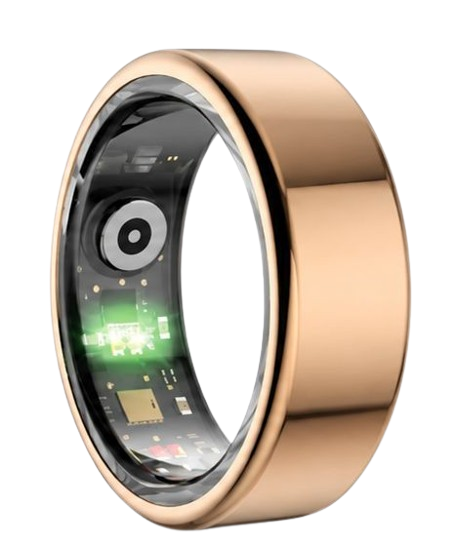
90-Day 100% Money-Back Guarantee
“The Herz Smart Ring helps me manage stress easily. It’s accurate, stylish, and lightweight—perfect for my busy life!”
— Jennifer P. | ✔ Verified Customer
- ✓ 6-Day Battery Life
- ✓ Detailed Sleep Analysis
- ✓ Fast 1-Hour Charging
- ✓ iOS & Android Ready
Questions? Call: 1-866-479-1629
Conclusion
Configuring your smart ring metrics on your Apple Watch face creates the ultimate streamlined health dashboard.
The subscription-free Herz P1 Smart Ring makes this high-fidelity biometric integration effortless, comfortable, and reliable.
Ready to monitor your health every day?
Explore the Herz P1 Smart Ring and see if it fits your lifestyle.
Call: 1-866-479-1629 — our team can help you advise on the correct ring size and set personalized health goals.
